
BOMBANANA! Puzzle Modules Reference
Identify BOMBANANA! modules, hand information between roles, run the switch workflow and judge the evidence for Level 8, Maze, Piano and Morse.
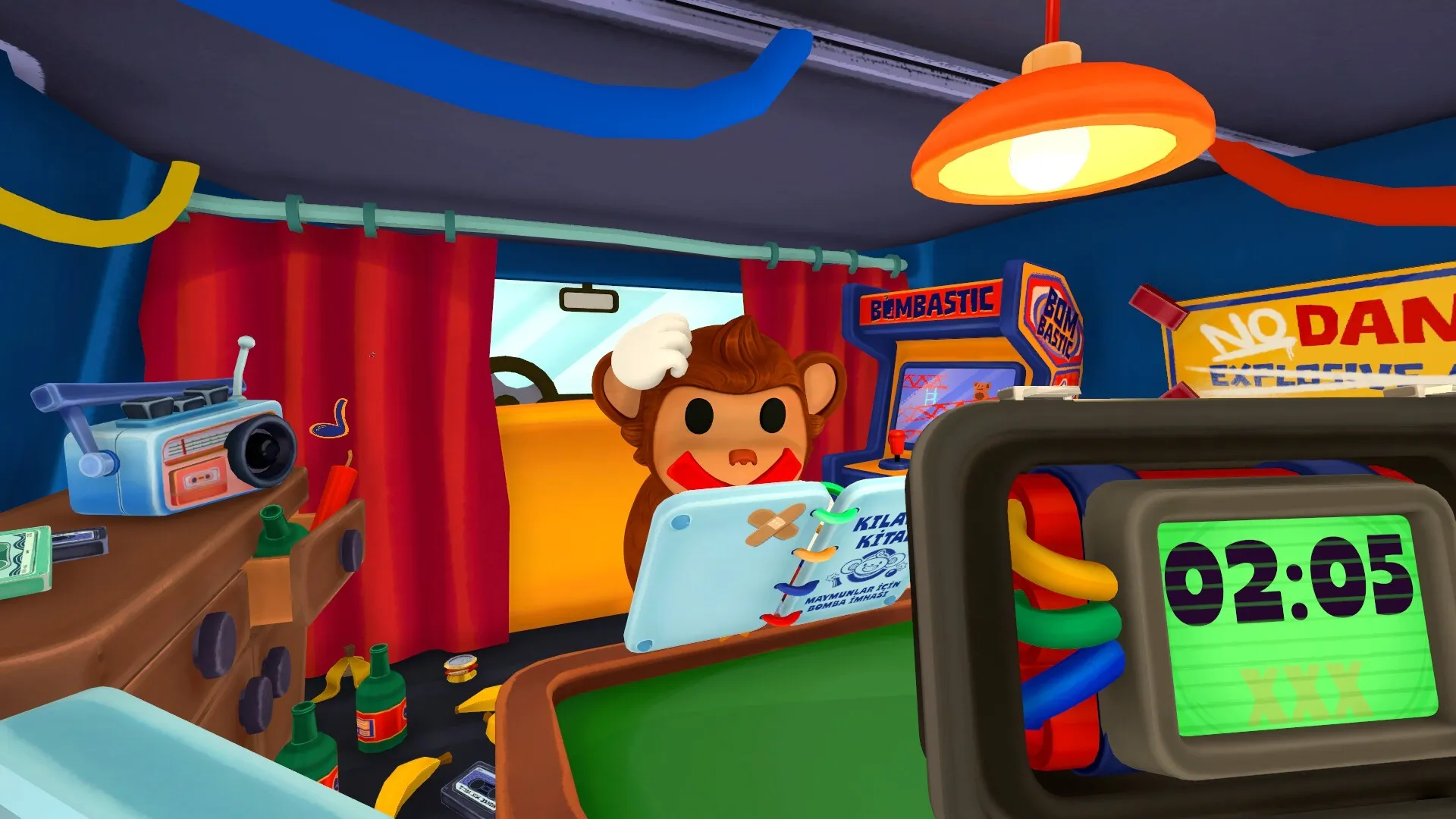
No single table covers every BOMBANANA! module. The order that works is: identify the module and its position, have each role report what they see, feel or read, and let Blind Monkey perform one confirmed action.
This page gives you a module index with evidence levels. The switch module has a stable workflow. Level 8, Maze, Piano, Symbol and Morse can only be recorded as evidence status right now.
The handoff every module uses
Deaf Monkey calls the module name, position and visible state. Blind Monkey adds whatever can be felt or read in Braille. Mute Monkey checks the manual and decides the next step. Deaf repeats that one action. Blind performs it and reports the result.
Cuts, presses and switch flips all need that repeat step. The moment a light or a module state changes, stop and read it again.
Module index: identify what you are looking at
In its Launch Features announcement on 29 August 2026, the developer confirmed the full game contains 14 new modules: 11 standard modules plus 3 CHAOS modules. CHAOS modules exist specifically to keep the Blind Monkey occupied. The announcement did not publish the list, and does not describe the rules for each one.
The names in the table below are the ones the community and this site already use. They help you match what you see; they are not the official names in your manual. The third column only lists what a role actually comes into contact with. Where the developer published nothing, this page does not invent an answer.
| Module (community name) | Who produces the information first | What you actually deal with | Evidence level |
|---|---|---|---|
| Cable / Wire | Deaf reports wire count, order and colors | A row of cuttable wires with an indicator | Workflow on the beginner guide page; community name |
| Color Slider | Deaf reports colors and slider positions | Colored sliders you can move | Workflow on the beginner guide page; community name |
| Direction | Blind reads out the felt direction information | Braille or tactile direction cues | Workflow on the beginner guide page; community name |
| Calculator | Deaf reports the current expression | Number display with buttons | Workflow on the beginner guide page; community name |
| Switch | Deaf reads every switch state completely | A set of flippable switches | Dedicated workflow section on this site; community name |
| Pressure | Deaf reports the current reading | A numeric gauge | Developer never published the list; name and method are community-only |
| Symbol | Deaf describes the shapes | Symbol artwork | Developer never published the list; name and method are community-only |
| Piano | Blind reads out the felt information | Keys or a note sequence | Developer never published the list; name and method are community-only |
| Soundboard | Depends on describing what you hear | Only distinguishable by sound | Developer never published the list; name and method are community-only |
| Maze | Deaf reports the start and the target | A grid path | Developer never published the list; name and method are community-only |
| Morse | Deaf watches the flashing | Dot-and-dash or digit sequences | Developer never published the list; name and method are community-only |
| Monkey-Says | Needs order-number tracking | A multi-step sequence | Developer never published the list; name and method are community-only |
| CHAOS modules (3) | Blind gets pulled into a side task | Interference that appears alongside the main module | Developer confirmed it as its own category, without names or methods |
This table answers “what is probably in front of me”. It does not answer “which one do I press next”. Run the handoff loop below, confirm the name, position and state, and then check the manual.
Switch module
Read the indicator and every switch position first, then have Mute give the target state from the manual. Blind moves one switch, immediately reports the new state, and moves on to the next one. Once everything matches, treat Enter as its own step.
Two cautions. Do not flip several switches in a row before the manual result is confirmed, and do not treat a random layout as a fixed sequence.
Evidence status for common searches
| Search term | What we can say now | How to use it |
|---|---|---|
| Level 8 | Steam Community players tested a mural/color Symbol mechanic | Treat it as player experience and re-verify on the current build |
| Maze | No first-party Steam or developer explanation of the Maze module | Do not import a map from another bomb game |
| Piano | Third-party pages mention it, with no official module description | Do not copy a fixed note or Braille table |
| Symbol puzzle | No official module description found | Wait for a traceable screenshot or an announcement |
| Morse code | Steam discussions describe a player-tested dot-and-dash handoff | Label it player experience, not manual text |
Level 8 and Morse have useful community leads but still lack an official manual entry. The specific rules for Maze, Piano and Symbol come mainly from third-party pages and cannot be passed off as official answers.
What this page delivers right now is how to identify a module and how to judge whether a source is reliable, not a table of unsourced answers. If version numbers, module screenshots and reproducible steps show up later, it can be upgraded into a full guide.
Sources
Related Articles
Guides
BOMBANANA! Beginner Guide: Roles, Modules and 30 Campaign Levels
A practical first-session guide to finding a team, the three roles, manual handoffs, core modules and the 30-level Campaign in BOMBANANA!.
Release & Platforms
BOMBANANA! Release Date and Platforms
Release date, demo status, current price, Windows and macOS support, the Roblox version, mobile plans and the PS5, Xbox and Switch situation.